How to Bounce Check Emails: Complete Guide to Preventing Email Bounces (2026)
Complete guide to bounce checking emails before sending. Learn why emails bounce, how to prevent it, and which tools catch bounces before they happen.
An email bounce means your message was rejected by the recipient's mail server. Every bounce hurts your sender reputation, and too many can get your domain blacklisted.
The solution? Bounce check your emails before sending. This guide covers everything: why emails bounce, how to check for bounces proactively, and the tools that make it automatic.
Why Do Emails Bounce?
Understanding bounce causes helps you prevent them:
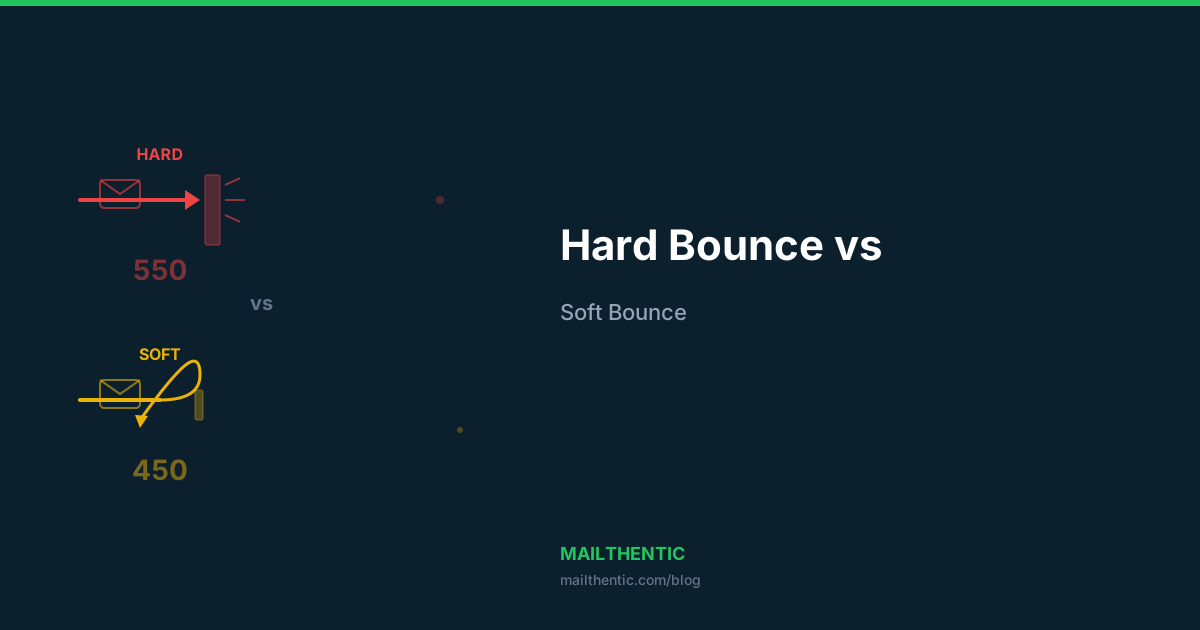
Hard Bounces (Permanent Failures)
- Mailbox doesn't exist — the person left the company, or the address was never real
- Domain doesn't exist — the company shut down or changed domains
- Email address malformed — typos like
john@gmial.cominstead ofgmail.com - Server permanently rejects — address explicitly disabled
Soft Bounces (Temporary Failures)
- Mailbox full — recipient hasn't cleared their inbox
- Server temporarily down — maintenance or outage
- Message too large — attachments exceed server limits
- Rate limited — you're sending too fast to that server
Deep dive: Hard Bounce vs Soft Bounce Explained
How to Bounce Check Emails
Method 1: Free Single Email Check
Use the Mailthentic free email checker to verify individual addresses. No signup needed — just enter an email and get instant results.
The checker runs these tests:
- Syntax validation
- Domain and DNS verification
- MX record lookup
- Disposable email detection
- Provider identification (Gmail, Outlook, etc.)
Method 2: Bulk List Verification
For lists of any size, use the bulk email verifier:
- Upload your CSV or Excel file
- Mailthentic verifies every address through 6+ checks
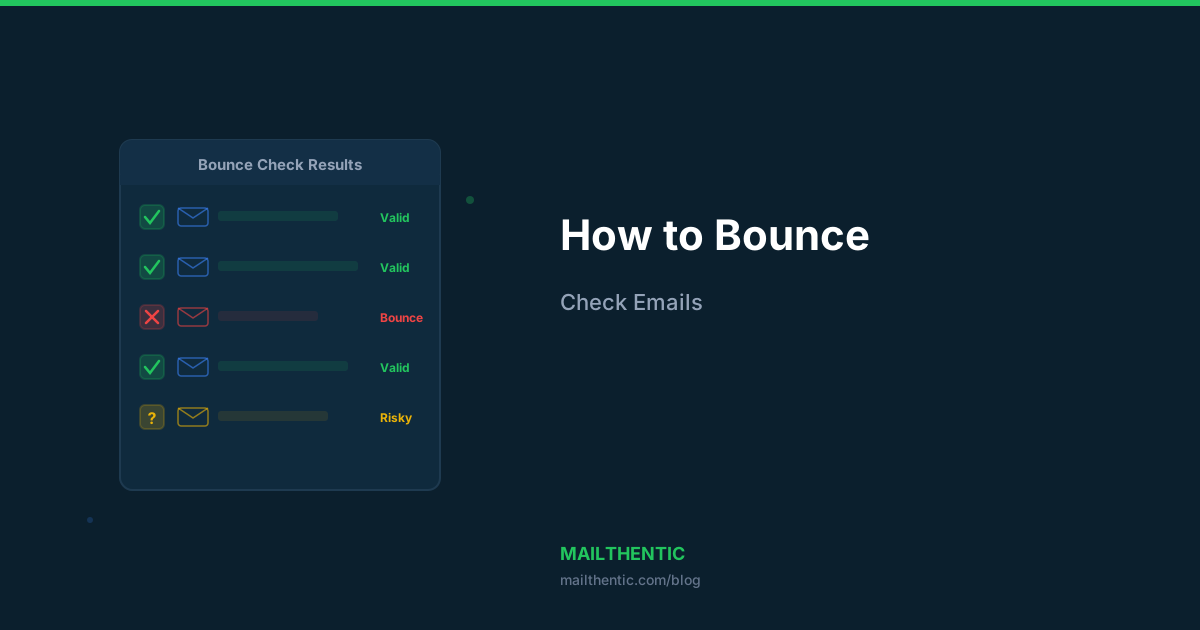
- Download results with each email marked as valid, invalid, risky, or unknown
- Remove all "invalid" addresses before sending
Method 3: Real-Time API Verification
Prevent bounces at the source by verifying emails when they're collected:
# Python — verify at signup
import requests

response = requests.get(
    "https://api.mailthentic.com/v1/verify",
    params={"email": user_email},
    headers={"Authorization": "Bearer YOUR_API_KEY"}
)

result = response.json()
if result["status"] == "invalid":
    show_error("This email address doesn't exist. Please check for typos.")
Full integration guide: Email Verification API Tutorial
SMTP Response Codes That Indicate Bounces
When you bounce check emails, the mail server responds with SMTP codes that reveal why an address would bounce:
| Code | Meaning | Bounce Type |
|---|---|---|
550 | Mailbox not found | Hard bounce |
551 | User not local | Hard bounce |
552 | Mailbox full | Soft bounce |
553 | Mailbox name not allowed | Hard bounce |
421 | Service temporarily unavailable | Soft bounce |
450 | Mailbox busy | Soft bounce |
452 | Insufficient storage | Soft bounce |
Bounce Check Checklist
Before every email campaign, run through this checklist:
- Verify your email list with the bulk verifier
- Remove all addresses marked "invalid"
- Suppress high-risk addresses (disposable, role-based)
- Check your domain health with the domain checker
- Verify your SPF, DKIM, and DMARC are configured
- Calculate expected bounce rate with the bounce calculator
- Send to a small test segment first (5-10% of your list)
- Monitor bounce rates in real-time during the send
What Bounce Rate Is Acceptable?
| Bounce Rate | Assessment | Action |
|---|---|---|
| <1% | Excellent | Keep doing what you're doing |
| 1-2% | Acceptable | Verify new additions more carefully |
| 2-5% | Warning | Run a full list verification now |
| 5%+ | Critical | Stop sending. Clean your entire list immediately |
Check your emails for bounces now
Start with the free email checker or sign up for 100 free credits to verify your entire list. No credit card required.
Ready to verify your email list?
Start free with 100 verification credits. No credit card required.