Bulk Email Bounce Check: Find and Remove Bouncing Addresses Before You Send
How to run a bulk email bounce check before sending campaigns. Find hard bounces, soft bounces, and risky addresses in your list — step-by-step guide with tools.
Every email that bounces chips away at your sender reputation. A single campaign with a 5%+ bounce rate can land your domain on blacklists and push future emails straight to spam.
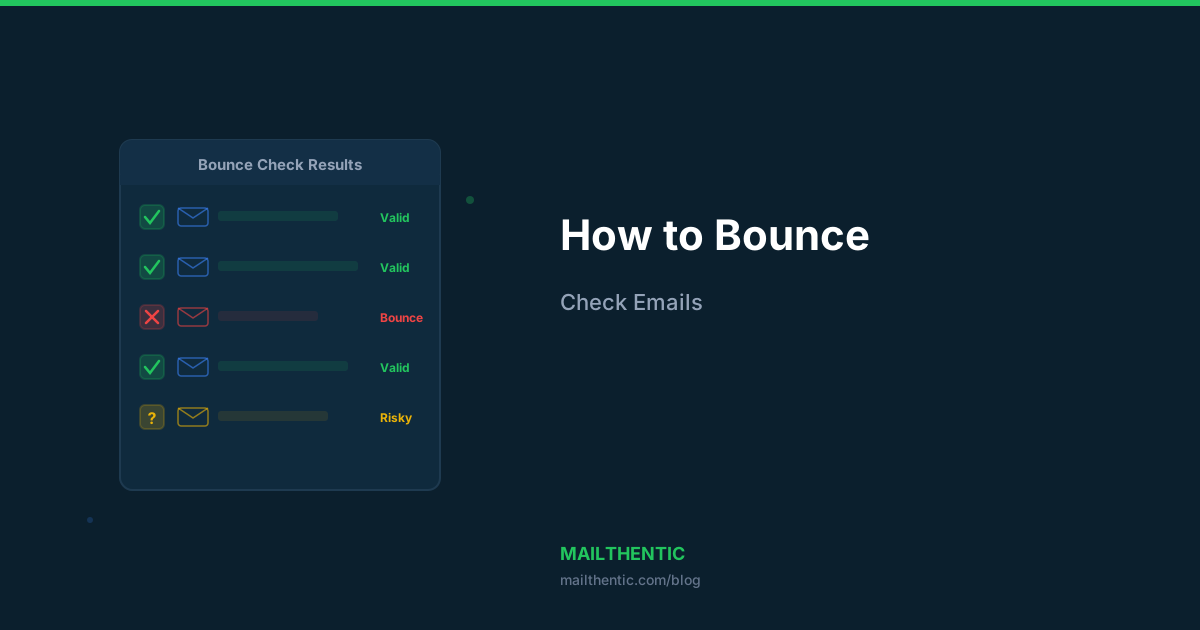
A bulk email bounce check identifies addresses that will bounce before you send — so you can remove them and protect your deliverability.
What Is a Bulk Email Bounce Check?
A bulk email bounce check is a pre-send verification that scans your email list to identify addresses that would result in bounces. Instead of discovering bounces after sending (when the damage is already done), you find them beforehand.
The check uses the same email verification technology that processes addresses through DNS, MX, and SMTP layers — but focused specifically on predicting which addresses will bounce.
Types of Bounces a Pre-Check Can Catch
| Bounce Type | Cause | Detectable? | Impact |
|---|---|---|---|
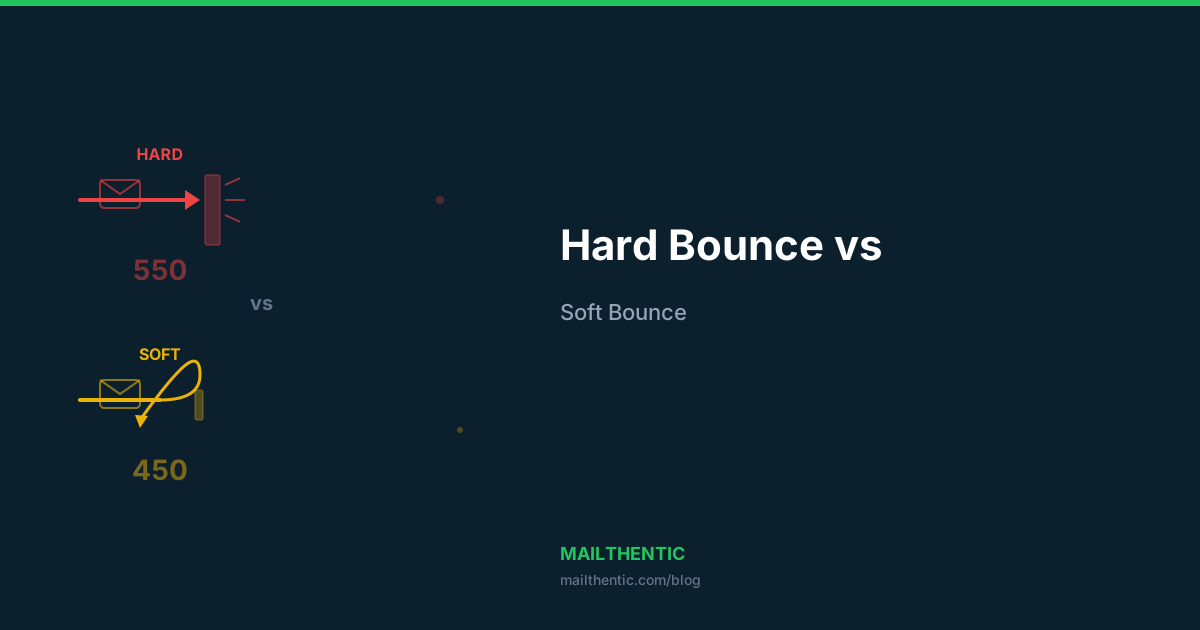
| Hard bounce — invalid mailbox | User doesn't exist (550 SMTP code) | Yes — SMTP verification catches this | Severe — immediate reputation damage |
| Hard bounce — bad domain | Domain doesn't exist or has no MX records | Yes — DNS/MX check catches this | Severe |
| Hard bounce — syntax error | Malformed email address | Yes — syntax validation catches this | Severe |
| Soft bounce — full mailbox | Recipient inbox is full (452 code) | Sometimes — depends on server response | Moderate |
| Soft bounce — server down | Temporary server issue | Partially — flagged as "unknown" | Low (temporary) |
| Block bounce | Your IP/domain is blacklisted | No — this is sender-side | Severe |
Learn more about the differences in our guide: Hard Bounce vs Soft Bounce: What's the Difference?
How to Run a Bulk Bounce Check
Option 1: Use the Mailthentic Bulk Verifier
- Export your email list as CSV
- Go to the Bulk Email Verifier
- Upload your file (auto-detects email column)
- Wait for verification to complete
- Download results — filter by "invalid" status to see addresses that would bounce
Option 2: Quick Check with the Free Tool
For smaller checks, use the free email checker — no signup required. Enter any email and get instant results showing whether it would bounce.
Option 3: API Integration
For automated bounce prevention, integrate the verification API into your sending pipeline. Check every email before it enters your send queue.
The Cost of Not Bounce-Checking
Use our bounce rate calculator to see the exact financial impact. Here's a typical scenario:
| Metric | Without Bounce Check | With Bounce Check |
|---|---|---|
| List size | 50,000 | 50,000 |
| Invalid addresses | 4,000 (8%) | Removed |
| Bounce rate | 8% | <1% |
| Reputation impact | Domain flagged | Clean |
| Wasted send cost | $40-80 | $0 |
| Recovery time | 2-6 weeks | N/A |
How Often Should You Run Bounce Checks?
- Before every campaign if your list is older than 7 days
- Weekly for high-volume senders (10K+ emails/week)
- Monthly for regular marketing lists
- Immediately after importing new contacts from any source
Email addresses decay at 2-5% per month. A list that was 100% clean in January could have 10-15% bad addresses by March.
What to Do After a Bounce Check
- Remove all "invalid" addresses — these are confirmed bounces. Delete permanently.
- Quarantine "risky" addresses — catch-all domains and role-based addresses need careful handling.
- Retry "unknown" later — the mail server didn't respond. Re-verify in 24-48 hours.
- Check your sending domain — use the domain health checker to verify your SPF, DKIM, and DMARC are configured.
- Monitor post-send bounces — track bounce rates after sending to catch any that slipped through.
Run a bounce check right now
Try the free email checker for quick checks, or sign up free to verify your entire list. 100 credits, no credit card required.
Ready to verify your email list?
Start free with 100 verification credits. No credit card required.