
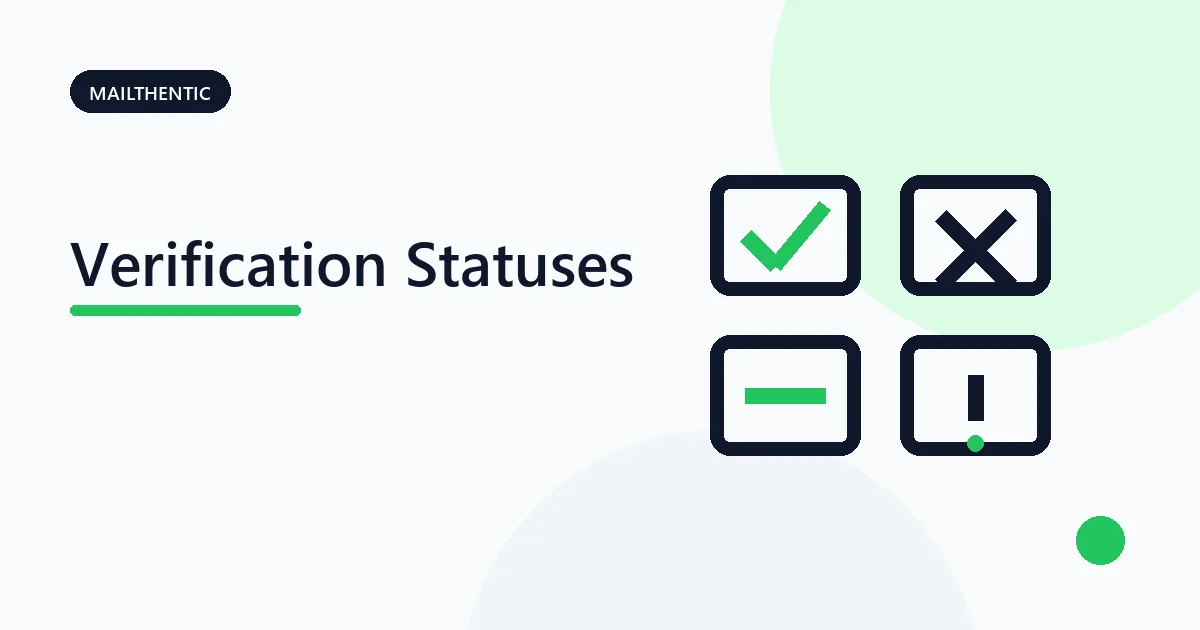
Mailthentic groups verification evidence into four user-facing buckets: valid, invalid, risky, and unknown. The bucket is a decision aid, not a delivery guarantee. Keep the stored status, reason, flags, and confidence contribution details when your workflow needs more than the summary.
Verification status decision table
| Bucket | What the evidence means | Practical action |
|---|---|---|
| Valid | Syntax, domain, routing, and available recipient evidence support use, with no disqualifying signal. | Accept only when source, consent, and business policy also allow it. |
| Invalid | A clear failure exists in syntax, domain, MX routing, disposable classification, or permanent recipient evidence. | Correct an obvious input error or exclude the address. |
| Risky | Catch-all or another configured risk condition prevents a simple valid decision. | Review, segment, or require confirmation according to policy. |
| Unknown | The available checks could not resolve the address because of a timeout, deferral, provider behavior, or missing evidence. | Retry later or use confirmation. Do not silently convert unknown to invalid. |
Stored statuses behind each bucket
- Valid:
deliverable_confirmed,deliverable_unconfirmed, anddeliverable_unconfirmed_dns. - Risky:
risky_catch_all,risky_missing_spf, andrisky_missing_dmarc. - Invalid:
invalid,invalid_syntax,invalid_domain, andinvalid_domain_no_mx. - Unknown:
unknown.
Applications integrating the email verification API should store the specific status rather than trying to reconstruct it from a label.
Catch-all, disposable, and role-based signals
A catch-all domain accepts a random control recipient, so the target mailbox cannot be distinguished. Mailthentic represents detected catch-all behavior as risky_catch_all. Read the catch-all guide before choosing an action.
Disposable and role-based are flags, not separate stored status names. The full engine maps a known disposable domain to invalid. A role address such as support@ is a classification signal and does not by itself prove the mailbox is invalid. Use the disposable checker for that domain-only question.
What does confidence mean?
Where returned, confidence is an integer calculated from available signals with an optional contribution breakdown. It describes confidence in the result. It is not a measured probability that a future message will reach the inbox.
When to exclude, review, retry, or accept
- Exclude clear invalid results after checking for correctable input errors.
- Review risky records using source, consent, role, engagement, and catch-all policy.
- Retry unknown records after temporary DNS or SMTP conditions can clear.
- Accept valid records only within the wider consent and sending policy.
Use the single email checker for one address or the bulk verifier for CSV and XLSX lists.
Keep uncertainty visible
Check one address and preserve the reason behind the result.
Ready to verify your email list?
Start free with 250 verification credits. No credit card required.